The assistant · Updated 26 August 2026
Tell it what you want. It does the work.
Describe the prospect and what you would fix. The assistant writes the page, in your voice, in under a minute. You edit anything before it goes.
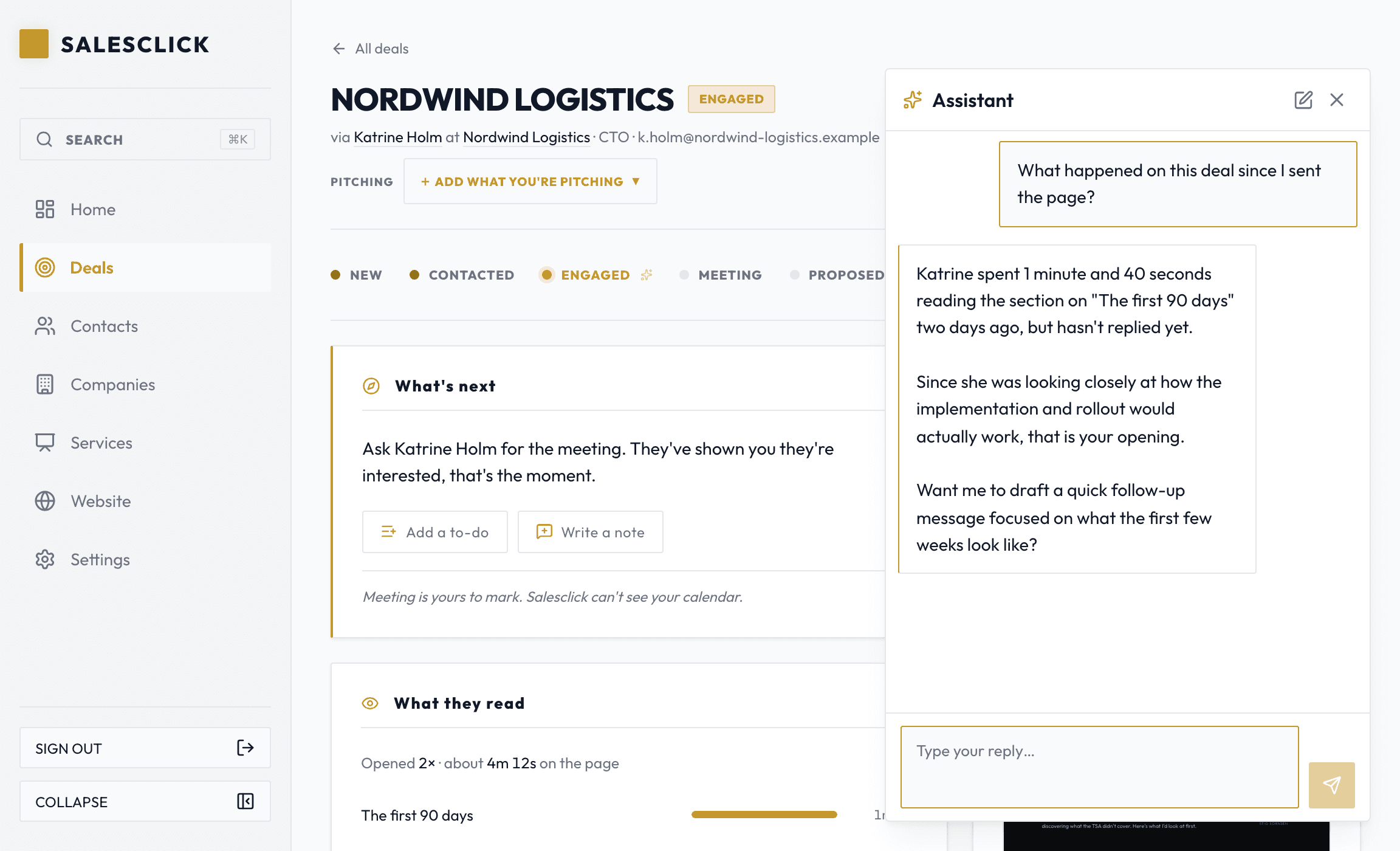
- A whole page written from one or two lines about the prospect
- Edits by asking, in plain words, with no forms to fill in
- It fills in what it can and asks only what it must
- Answers when you ask what a signal means or what to do next
- Builds and restyles your website when you ask
- It drafts and changes things, but it never sends anything
A brief, not a blank page
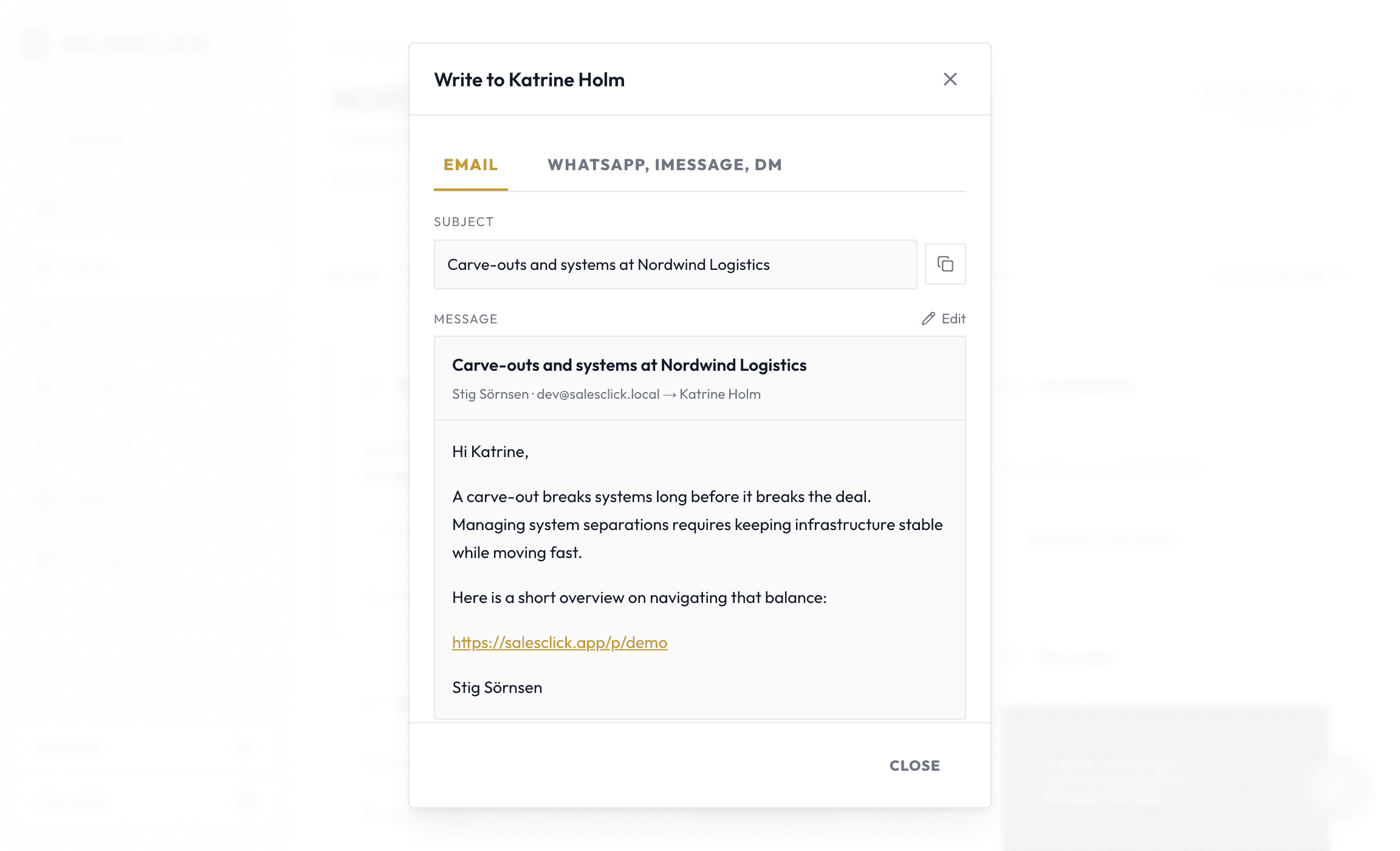
You do not start from an empty editor. You say who it is for and what you would fix, and a finished page comes back: their name, their problem, your offer, and a look that fits. It even drafts the message that sends the link.
It works from your account
It writes from your own services, your brand and the deal in front of you, so the page is yours and not a generic template.
Your services
What you sell, in your own words. The evidence behind every claim.
Your brand
Colour and voice, so the page reads as yours.
The deal in front of you
The person, the company, and the one thing you noticed.
It writes from what is true in your account, and asks when it does not know.
Sending stays yours
It can start a deal, write a page, and change one that exists. Everything lands as a draft you can see and undo. You press send.
The assistant
- Page written
- Message drafted
- Saved as a draft
You
Send itYou press send.
Your next page is one sentence away.
Tell the assistant who it is for. Read it back, tweak it, and send it yourself.
14 days free · No card to start