Who read my proposal? Here is how to actually know.
The short answer: stop sending the proposal as an attachment. Send it as a page with its own link, and the page can tell you when it was opened, what was read, and when it started being passed around. Attachments go quiet the moment you hit send; a page keeps talking.
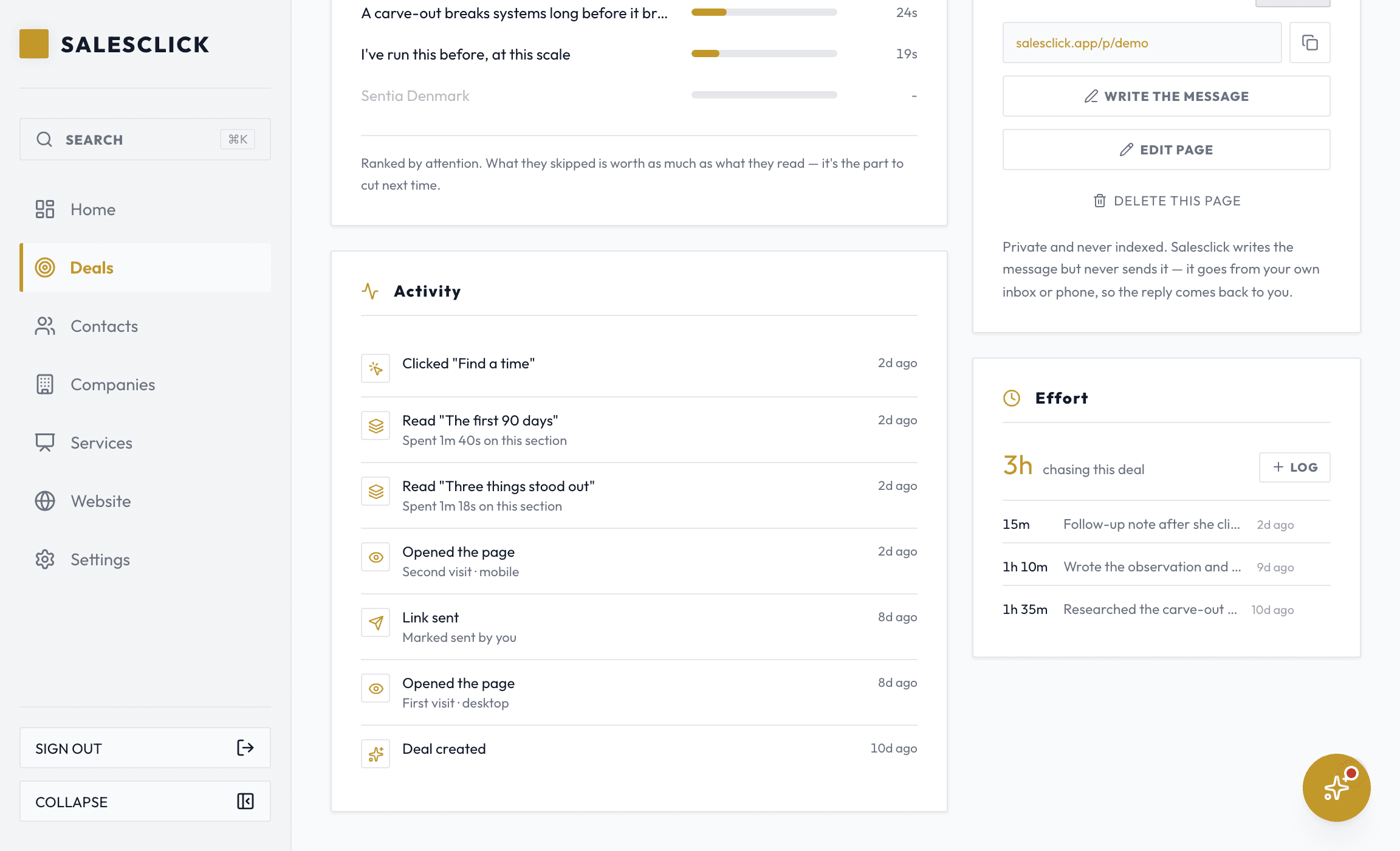
What a tracked page tells you
- An email the moment the page is first opened
- Which sections they read, and how many seconds each one held them
- When they come back to it, and how often
- An alert when a second device opens the link
- The deal moves itself forward the first time they open it
- An email when they answer, book a time, accept, or pay
The second device is the buying committee forming.
Deals for services are rarely decided by the one person you wrote to. When your link opens on a device it has never seen before, the likeliest story is that your contact forwarded it, or opened it in a room with other people. That is the moment to ask who else is looking and what they care about. Salesclick sends a distinct alert for exactly this, because it is the single most useful thing a sent proposal can tell you, and an attachment can never tell you it at all.
What it deliberately does not do
The page watches itself, not the person. No identity resolution, no following people to other sites, no reselling, one first-party cookie so a return visit counts as the same reader. And nothing counts as an open unless it reads like a human: bots, mail scanners and link previews are filtered out. Fewer numbers, but true ones.
Fair questions, straight answers
How do I know when my proposal is opened?
Can I see which parts of the proposal they read?
What does it mean when the link opens on a second device?
Do email read receipts or PDF trackers do the same thing?
Does it count bots and link previews as opens?
Is this kind of tracking okay with the prospect?
Does my prospect need an account or an app?
Related: PDF proposals vs a tracked page · everything the tracking does
Send one proposal you can actually see.
Build a page for one prospect, send the link, and know the moment it opens.
14 days free · No card to start