Know what happens after you hit send
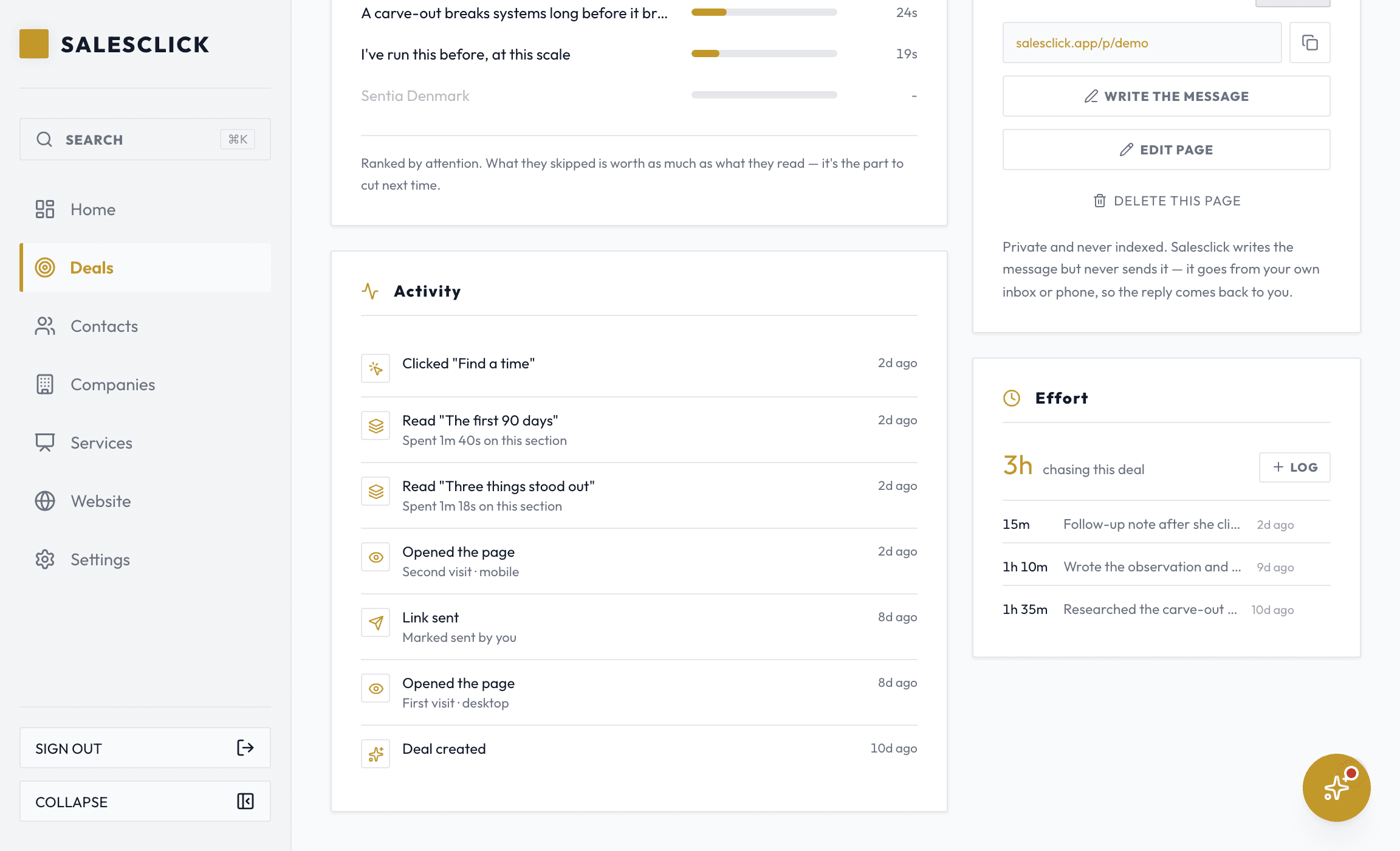
Every other proposal goes quiet. A page you send with Salesclick tells you when it is opened, which parts they read, and when a second device joins in.
- An email the moment a page you sent is first opened
- Which sections held their attention, and for how long
- When they come back to it, and how often
- An alert when a second device opens the link, often the sign it is being passed around inside the business
- The deal moves itself to Viewed the first time they open it
- An email when they say yes, or pick one of the options you offered
It watches the page, not the person
You see everything a prospect does on the page you built for them, and only there. Clean signals your prospect never has to worry about.
- Opened the page, twice
- Read the pricing, 2m 8s
- A second device joined
- Who the second reader is
- Where they went afterwards
- Anything beyond your page
It has to read like a person, or it does not count
Links get opened by bots and link previews too. The tracker counts a human actually reading, not every automated hit, so when it says opened, a person looked.
Every alert is one switch
Turn the emails off in Settings and the dashboard still shows everything; turn them on and you hear the moment something happens. Every email carries the link straight back to the page.
First open, on desktop, two minutes after you sent it. The link below takes you straight to the deal.
Open the dealStrike while the page is open
The signals exist for one reason: timing your follow-up to their attention instead of your calendar. Follow up the minute they open and you join a conversation already happening; the assistant can even draft the message from what they actually read. And with a webhook in Settings, the same events reach your own tools (Zapier, n8n, Slack) as signed deliveries the moment they fire.
First open, on desktop, two minutes after you sent it. The link below takes you straight to the deal.
Open the dealStop wondering what happened to your proposal.
Send one page and watch it, instead of sending a PDF into silence.
14 days free · No card to start